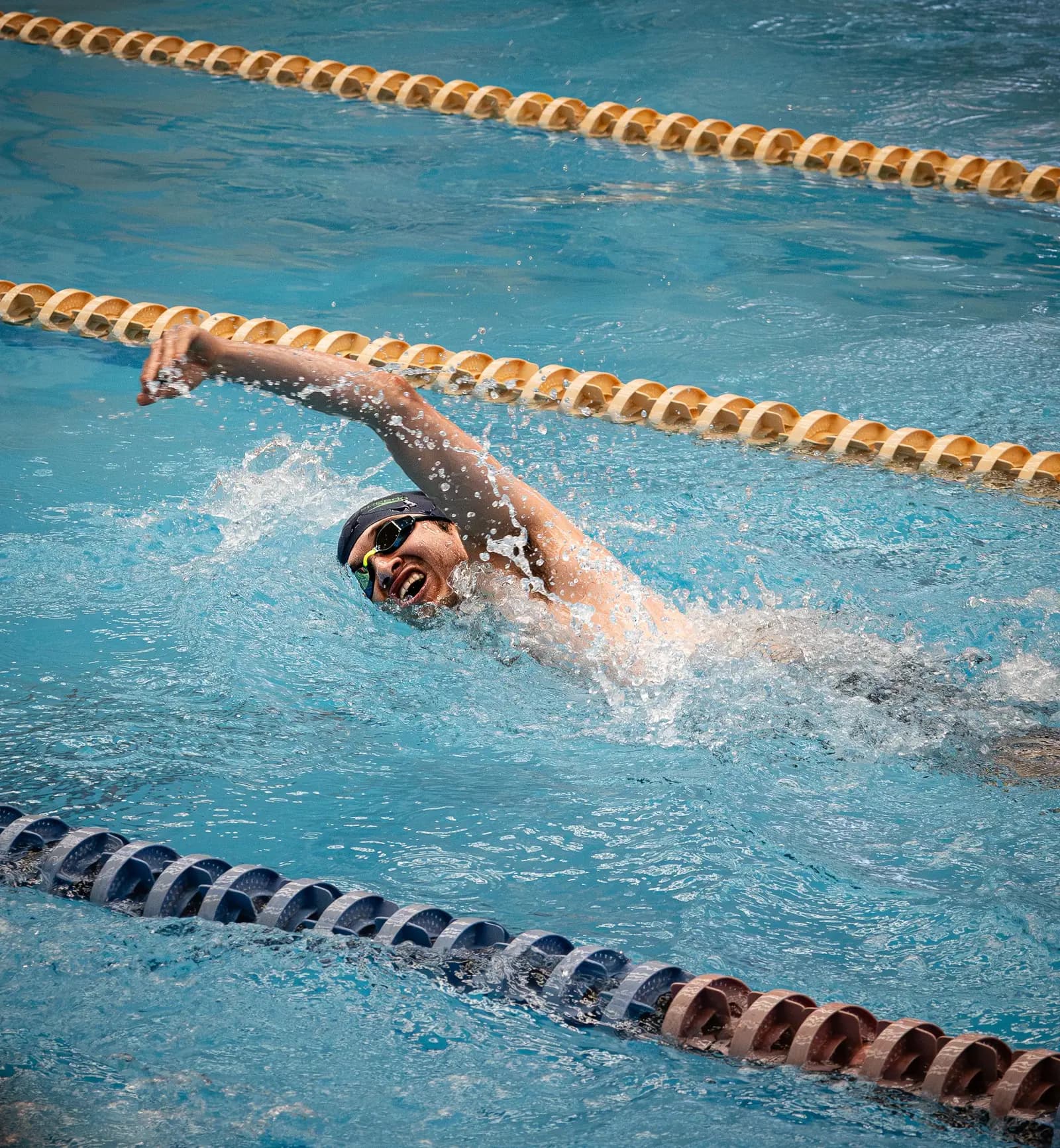
Generate swim workouts for your level
Choose the distance, level and goal, and DigitAquos builds you a complete workout with sets, paces and rest.
More options in the app
On the site
- 10 workouts a day
- One stroke
- Fixed distances
- No saving
- No watch
In the app
- 9 workout types, from technique to threshold and sprint
- The strokes you choose, or individual medley
- Distance or duration
- Rest type: on the signal, fixed rest or send-off intervals
- Equipment: kickboard, pull buoy, paddles, fins, snorkel
- Focus on pull, kick or technique
- Paces and send-offs based on your CSS
- Edit the workout after it is generated
- Schedule it for today or another day
- Send it to Apple Watch and Garmin (Individual Pro)
- Save it in your library
- Unlimited generation with Individual Pro
Other calculators
All calculators →- CSS calculatorFind your critical swim speed and training zones.
- Swim time converterEstimate times between 25 m and 50 m pools.
- FINA points calculatorFind the World Aquatics points for your time.
- Swim pace calculatorCalculate the pace, final time and splits of a race.
- Swim send-off calculatorSet the send-offs, rest and duration of a set.
- Swim relay calculatorFind the swimmer combination with the best estimated time.
- SWOLF calculatorCalculate the score from time and stroke count.
- Stroke rate calculatorFind your stroke rate and average distance per stroke.
- Pool lengths calculatorConvert distances to pool lengths and back.
Keep progressing with DigitAquos
Save your times, follow how your results develop and plan your next workouts in one app.
How a swim workout is built
A complete workout has three parts. The warm-up gets your muscles and breathing ready for the effort, usually with easy swimming and technique drills. The main set works towards the goal you chose: endurance, speed or a better stroke. This is where you'll find the repetitions, distances, paces and rest set for your level.
The cool-down ends the session with easy swimming. You don't have to swim the whole distance without stopping: a 2,000 m swim workout, for example, can contain several sets of 50, 100 or 200 m, with rest in between.
How to choose the distance and level
Choose the distance by how far you can swim with steady technique, not by how far you'd like to go. As a rough guide:
- Beginner: 1,000–3,000 m a week, with sets of 25–100 m, frequent rest and a comfortable pace.
- Intermediate: 3,000–8,000 m a week, with sets of 100–200 m and a fairly even pace.
- Advanced: over 8,000 m a week, with longer sets, varied paces and controlled rest.
These ranges aren't fixed rules. If you're coming back after a break, start with less volume, even if you used to swim at an advanced level.
Four workout types, four goals
Each workout type trains something different. Choose based on what you want to improve in the pool.
- Technique: you work on body position, breathing and efficient movement. Example: 8×50 drills, with 20 s rest.
- Endurance: you hold an aerobic effort over longer distances. Example: 4×200 freestyle, steady pace, with 20 s rest.
- Threshold: you hold a demanding but controlled pace. Example: 8×100 freestyle at CSS, with 15 s rest.
- Speed: you work on accelerating and holding speed over short distances. Example: 12×25 freestyle sprint, with 40 s rest.
How pace and rest work
Swim pace is given in minutes and seconds per 100 m. If you swim 200 m in 3:20, your pace is 1:40/100 m.
Rest starts once the repetition is finished. For example, in 8×100 with 20 s rest, you rest 20 seconds after each 100 m. With send-offs every 2:00, the time includes both the swim and the rest.
CSS estimates the pace you can hold near your threshold. If you know it, you can enter it to personalise the paces.
You can find it with the CSS calculator.
How often to swim in a week
How often depends on your experience, your goal and the time you have. When you're starting out, consistency matters more than kilometres.
- Beginner: 2–3 workouts a week, with recovery days in between.
- Intermediate: 3–4 workouts, alternating technique, endurance and higher intensities.
- Advanced: 4–6 workouts, with volume and intensity spread across the week.
Increase the distance gradually and avoid raising volume, speed and frequency at the same time. If your pace keeps dropping or your technique falls apart, ease off and give yourself time to recover.
What equipment you can use
Equipment helps you work on specific parts of your swimming.
- Fins: for kick drills and body position.
- Paddles: add load to the arms and highlight your catch.
- Pull buoy: keeps your legs up and lets you focus on the pull.
- Centre snorkel: lets you practise body position and movement without turning your head to breathe.
You don't need any equipment to use the generator.
Frequently asked questions
How many workouts can I generate a day?
You can generate up to 10 swim workouts a day without an account. The limit resets at midnight. Each workout is built around the distance, level and type you select.
Is the generator suitable for beginners?
Yes. Select the "Beginner" level and a 1,000 m distance to get a workout with suitable sets and rest. You should already be able to swim safely and know the stroke you choose.
Can I use the workout in a 50 m pool?
Yes. Select 50 m as the pool length. The generator takes this into account when it builds the workout, so the distances match the length of the pool.
How do I send the workout to my watch?
Create a free DigitAquos account, save the workout and send it to Garmin or Apple Watch from the app. You can then use it in the pool, and the synced activity goes into your progress history.
What is CSS and why can I enter it?
CSS (Critical Swim Speed) is an estimate of your threshold pace per 100 m. It helps the generator set the paces for different intensities. If you don't know it, you can generate the workout without it, or calculate it from your 400 and 200 freestyle times.
Can I generate workouts for other strokes too?
Yes. You can choose freestyle, backstroke, breaststroke, butterfly or IM. The generator builds the sets around the stroke, the total distance and the goal of the workout.
Take your workouts to the pool
Create a free account to save your generated workouts, send them to your watch and track your progress from one session to the next.