
Organise your swim meets, from entries to results
Run your swim meets, from entries and heat generation to publishing the results. Clubs and swimmers find the programme, the start list and the rankings on each meet's public page.
- Create the meetSet the events, age groups, schedule and fees.
- Receive entriesClubs enter their swimmers, and you check and confirm participation.
- Publish the heatsGenerate the heats from entry times and publish the start list.
- Publish the resultsEnter the times, and the rankings appear on the meet's page.
The meet programme, ready for every club
Set the events, sessions, age groups and entry conditions. DigitAquos generates a public page where clubs find the meet's invitation, programme, fees and venue, in Romanian, English and German.


- Events and sessions — Set up events such as 100 free or 200 IM, manually or from a standard programme.
- Age groups and rules — Set the birth years, limits, number of lanes and the 25 or 50 m pool.
- Public invitation — The meet page includes the programme, fees, sponsors and a map of the venue.
Take entries from other clubs too
Clubs on DigitAquos enter swimmers directly from the app, with times taken from their personal bests in the same pool length. Other clubs use the public form. You review the entries, approve or reject them and keep track of the fees.
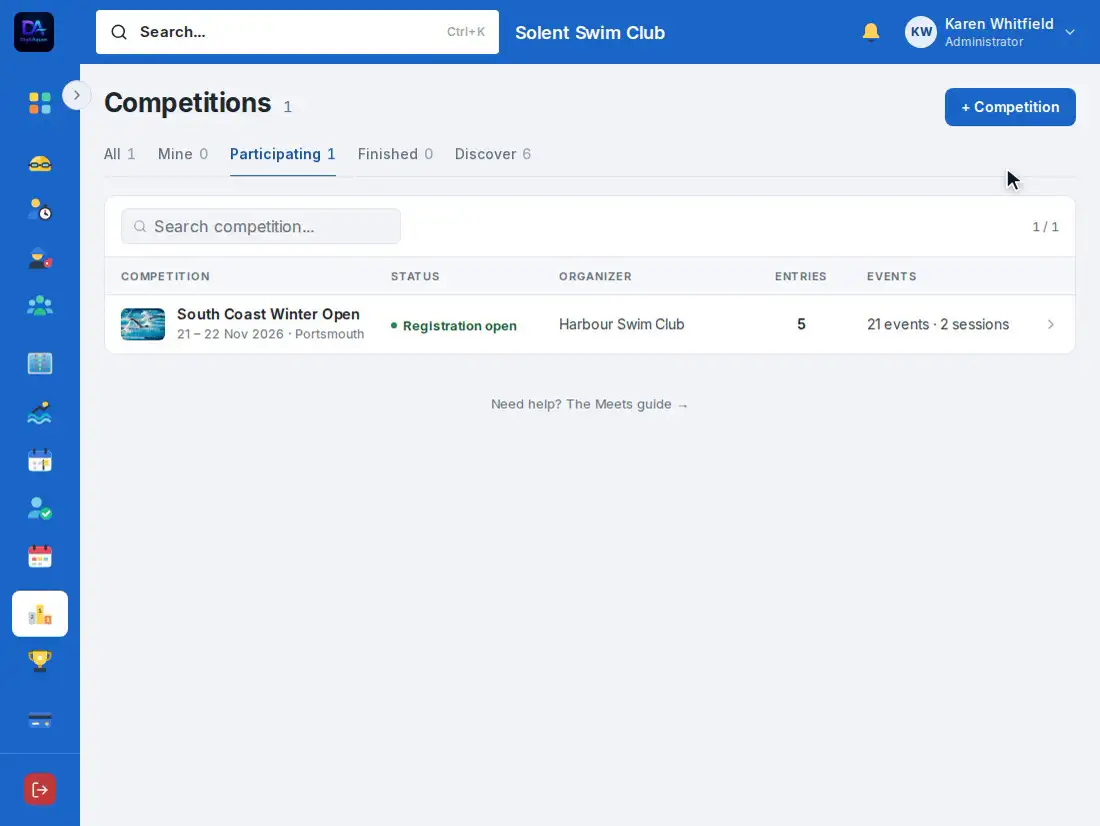
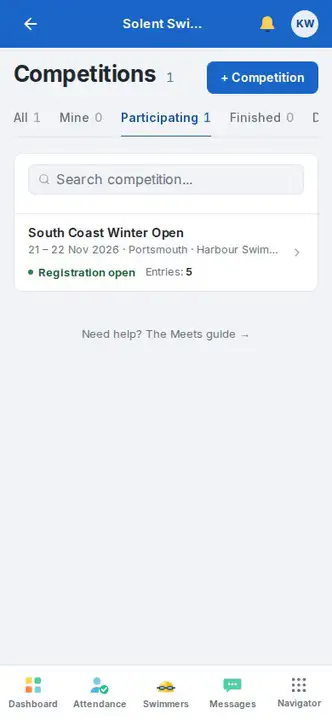
- Entries in seconds — Clubs on DigitAquos pick the swimmers and events, and the entry times fill in automatically.
- Open entries — Clubs without DigitAquos can also enter swimmers through the public form.
- Automatic checks — The app checks age, sex, duplicates, limits, qualifying times and the medical certificate.
- Fees and payments — Calculate fees automatically, record payments with a PDF receipt or collect card payments online.
- Relays and confirmations — Set up teams by sex and age, calculate the times and send confirmations by email.
The heats are ready before the first start
DigitAquos generates the heats from entry times, with the fastest swimmers in the centre lanes. You can adjust the seeding manually, then publish the start list on the meet page and notify the participating clubs.

- Lane seeding — Swimmers are placed into heats automatically, based on their times.
- Manual changes — Move swimmers between heats or swap lanes before publishing.
- Public start list — Participants search by swimmer or club and download the PDF for each session.
From the last start to the final rankings
Enter times heat by heat or import results from CSV or Lenex. The app calculates rankings by age group, FINA points and medals. Results appear on the public page, where they can be searched by swimmer or club.

- Times and disqualifications — Record each heat's results, including DNS, DSQ and DNF.
- Age-group rankings — See places, medals and FINA points for every event.
- Team rankings — Follow the participating clubs' results and the best swimmer.
- Public results — Publish the rankings on the meet page and export them to PDF or Excel.
Results stay in the swimmers' history
For clubs that use DigitAquos, the times swum at the meet go automatically into each swimmer's history. Coaches follow progress, and swimmers and parents can check the results directly in the app.

- Personal bests — New times go into the swimmer's history and update their personal bests.
- Swimmers and parents — They see the events, heats, lanes, times, places and personal bests.
- Club records — Club records update automatically from the results achieved.
Get your next meet ready in DigitAquos
Create the meet, open entries to clubs and publish the heats and results in one place.